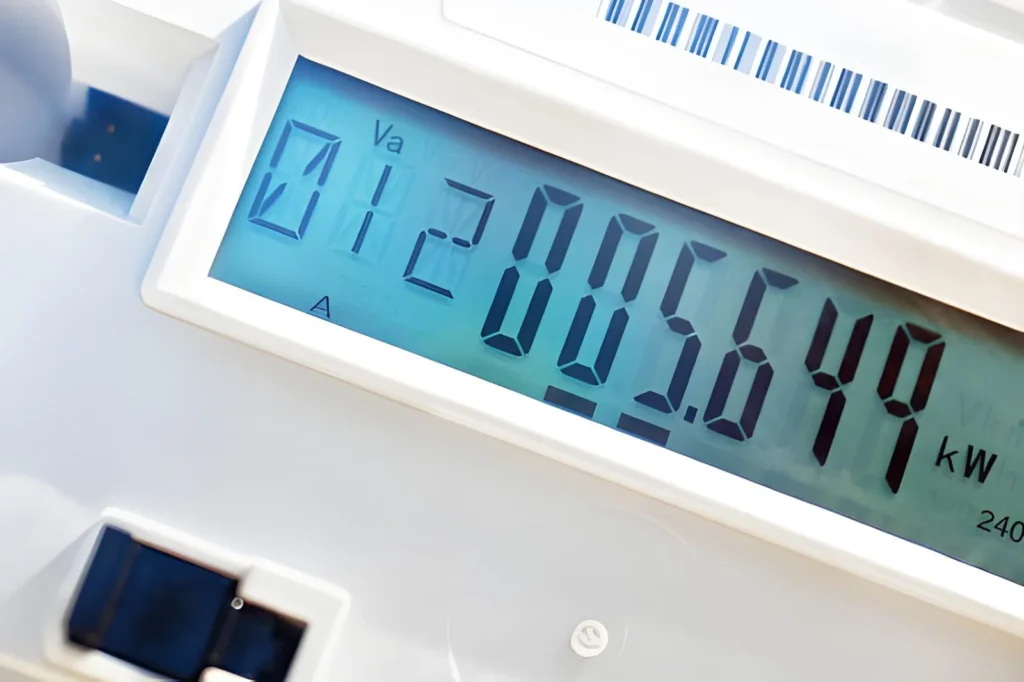
To check an electricity meter, find the display and note the numbers from left to right. Skip any red digits or decimals. Then subtract your last recorded reading from the current one to get the kilowatt-hours (kWh) used.
That difference is what your utility uses to bill you. The device itself—whether a digital screen, a traditional dial meter, or a smart model—works the same way. It keeps a running total of energy use in kWh. Your actual consumption over a period is simply the gap between two readings.
This guide walks through how to read each common meter type, understand your electricity bill, track usage as it happens, and use those insights to lower your costs.
What the Numbers on an Electricity Meter Actually Mean
An electricity meter records energy in kilowatt-hours (kWh), often called units. One kWh is the energy used by a 1,000-watt device running for one hour. For example, a 2,000-watt kettle uses 1 kWh in 30 minutes. A 100-watt bulb reaches 1 kWh after 10 hours. This unit is the basis for reading meters and understanding your bill.
The number on the meter is a running total, not a speed or rate. It adds up all the energy used since the meter was installed or last reset. If the display shows 14,872, that means the home has used 14,872 kWh in total. If an earlier reading was 14,320, then usage over that time is 14,872 minus 14,320, which equals 552 kWh. That value is what appears on your bill.
Most home meters show five to seven digits. Typically, there are five main digits before any decimal. Some meters also include one or two smaller decimal digits, often in a different color. These decimal numbers are ignored when reporting readings. Only the main digits are used.
How to Read a Digital Electric Meter
Digital meters, often called LCD or electronic meters, are now standard in most homes and businesses. They replaced older dial models and are much easier to read. While designs vary, the basic process is the same.
Reading a Single-Rate Digital Meter
Stand in front of the unit and check the screen. Some displays stay on, while others light up when you press a button or when light hits the panel.
Read the numbers from left to right. Include every digit before the decimal point. Ignore any digits after the decimal or those shown in a separate or colored box.
Write the number exactly as shown, including any zeros at the start. For example, 04872 should be recorded as 04872, not 4872. This keeps readings consistent over time.
Check that the unit displayed is kWh. If it shows something different, contact your provider before submitting the reading.
Example: if the display shows 08451.7, you record 08451. The decimal is not used for billing.
Reading a Two-Rate (Economy 7) Digital Meter
Some homes use a dual-rate system, where electricity costs less at night. These meters track two totals, often labeled Rate 1 and Rate 2, or Day and Night.
Press the button to scroll through each register. The screen will show each label along with its kWh value. Record both numbers.
Both readings must be submitted. Each one is billed at a different price, so missing one can lead to incorrect charges.
Reading a Three-Phase Digital Meter
Buildings with higher demand may use three-phase power. These meters may show a combined total or separate values for each phase.
If a total reading is shown, record that number. If only individual phase values appear, add them together to get the full consumption figure used for billing.
How to Read a Dial-Type Electricity Meter
Dial meters are older mechanical devices that show usage with small clock-like dials. Many are still found in older homes. They take more care to read because each dial turns in the opposite direction to the one next to it.
Start from the left and move right. Most meters have five dials, and each dial stands for one digit in the total reading.
For every dial, note the number the pointer has just passed. Do not record the number it is moving toward. If the pointer sits between 4 and 5, write down 4. If it looks exactly on a number, check the dial to the right. If that dial has not reached zero, use the lower number on the current dial.
The dials alternate direction—one turns clockwise, the next counterclockwise. This may look confusing, but it does not change how you record the numbers.
Ignore any dial marked in red. It shows fractions of a unit and is not used for billing.
Example: if the five main dials read 3, 8, 4, 6, and 2, the meter reading is 38462 kWh. If the previous reading was 37910, the usage over that period is 552 kWh.
Smart Meters and Automatic Electricity Meter Reading
Smart meters are digital electricity meters with built‑in communication that send readings to your supplier automatically, often at half‑hourly intervals in areas with advanced metering systems. This removes the need for manual reads, reduces estimated bills, and allows near real‑time tracking through an in‑home display or a phone app.
Reading the Smart Meter Screen
Even though readings are sent automatically, the meter still shows a running total in kWh that you can check yourself. Press the button on the front to move through the screens until you see one labeled IMP KWH or IMPORT with a kWh figure; this is the total electricity taken from the grid and is treated the same as a normal meter reading. On many SMETS2 meters used in the UK and some other countries, this import register is found on one of a small set of screen numbers such as 1, 6, or 9, and your supplier will tell you exactly which one to use if they ever need a manual reading.
Using the In‑Home Display
The in‑home display that comes with a smart meter shows your usage in your local currency per hour or per day, as well as a kWh value that updates frequently. It turns technical energy data into simple cost and usage information, making it easier for households to spot waste. Research and trial reviews in Great Britain have found that giving people this kind of real‑time feedback leads to average electricity savings of around 2 to 3% over time, mostly because people change everyday habits when they can see the cost impact right away.
How to Read Your Electricity Bill
An electricity bill turns the kWh recorded by your meter into the amount you pay. Most bills follow a similar layout, and knowing what each section means helps you avoid overpaying and spot mistakes, which are common enough that surveys have found many households receive incorrect or estimated bills each year.
Main Parts of an Electricity Bill
Billing period: Shows the start and end dates covered by the bill; check that these match your expectations and do not overlap with earlier bills.
Opening and closing meter readings: Lists the meter values at the start and end of the period, often marked A for actual readings or E for estimates; send an actual reading to replace estimates where possible.
Units consumed: Gives the kWh used during the period, which should match the difference between the closing and opening readings you can calculate yourself.
Unit rate: States the price per kWh in your local currency; this may vary by tariff and between peak and off‑peak times.
Standing charge: A fixed daily fee for keeping your supply connected, shown as a daily rate multiplied by the number of days in the billing period.
Taxes and levies: Adds items such as VAT and other government charges, usually calculated as a percentage applied to the subtotal of usage and standing charges.
Checking the Bill by Hand
You can check most bills with a simple calculation: Total charge = (units consumed × unit rate) + (number of days × standing charge) + taxes
Example: 552 kWh at 28.62 pence per kWh over 91 days with a standing charge of 53 pence per day and 5% VAT gives (552 × 0.2862) = 157.98 pounds for usage and (91 × 0.53) = 48.23 pounds for the standing charge, for a subtotal of 206.21 pounds; adding 5% VAT brings the total to 216.52 pounds. If your bill is far higher or lower than this and the readings are right, contact your supplier and show them your working to request a check.
Bill item
What it shows
Typical problem
How to check it
Meter reading
Opening and closing kWh values
Estimated reading (E) used instead of A
Compare against your own meter notes or photoseastrongroup
Units consumed
kWh used in the billing period
Much higher use than past months
Subtract opening from closing reading yourselfeastrongroup+1
Unit rate
Charge per kWh
Wrong tariff applied after a switch
Check against your tariff or contract documentsofgem+1
Standing charge
Daily fixed connection cost
Billed for too many days
Multiply the daily rate by the days in the periodbestbusinessenergy+1
Taxes and levies
VAT and other mandatory surcharges
Incorrect tax rate used
Confirm current rates with your tax or energy regulatorbestbusinessenergy+1
Electricity Meter Reading Units Explained
Meter screens and bills use a few standard labels to describe how electricity is measured. Knowing what each one means makes it easier to read your meter and understand your charges.
Common Unit Labels and Meanings
Label
Full name
What it measures
Where you see it
kWh
Kilowatt‑hour
Total energy used (1 kW running for 1 hour)
Main meter reading, “units used” line on bills
kW
Kilowatt
Power at a moment in time (how fast you use energy)
Smart meter in‑home displays, some energy monitors
IMP KWH
Import kilowatt‑hours
Total energy taken from the grid
Smart meter display pages
EXP KWH
Export kilowatt‑hours
Energy sent back to the grid (for example, solar)
Smart meter screens on homes with generation
MWh
Megawatt‑hour
1,000 kWh, used for large volumes of energy
Large commercial bills and big site meters
kVAh
Kilovolt‑ampere‑hour
Apparent energy, used when power factor matters
Commercial and industrial meters with special tariffs
How to Monitor Energy Consumption Effectively
Checking your meter once a month shows total use but not which devices use the most or when demand spikes. More detailed tracking needs either a plug‑in monitor, a whole‑home clamp device, a smart meter with an in‑home display, or an app linked to a smart meter.
Plug-In Energy Monitors
Plug‑in monitors sit between a socket and one appliance to show its live power draw and total kWh over time. They are low cost, usually in the 10 to 30 pounds or dollars range, and need no installation work. They work best for testing high‑use or uncertain devices such as dryers, space heaters, older fridges, and game consoles.
A simple test is to plug your fridge into the monitor for 24 hours and note the kWh value. Multiply that number by 365 to estimate yearly use. A modern efficient fridge might use roughly 100 to 150 kWh per year, while an older, less efficient model can reach 350 to 500 kWh per year, costing two to three times as much to run at typical prices.
Whole-Home Clamp Meter Monitors
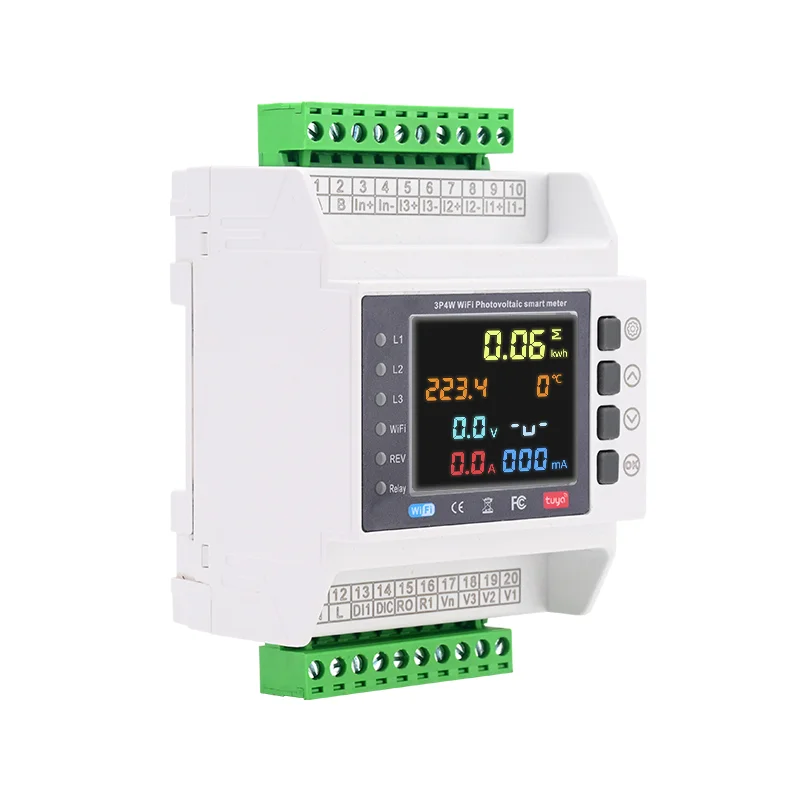
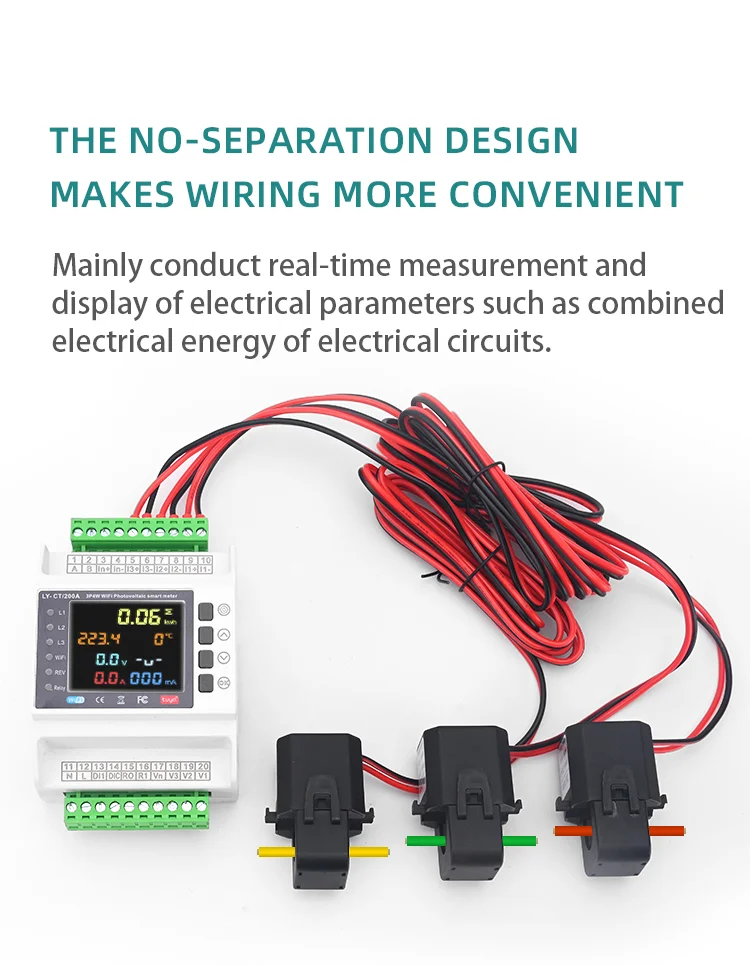
Whole‑home monitors use a CT clamp that clips around the main live cable inside or near the consumer unit, so they measure total household use without cutting any wires. The clamp senses the current and sends data to a display or app, showing real‑time power in kW and total kWh by day or month.
Popular systems such as Efergy, Sense, and Emporia Vue connect over Wi‑Fi, cost roughly 50 to 150 pounds or dollars, and often provide graphs, long‑term trends, and in some cases estimates for individual appliances using pattern‑recognition methods. Studies of real‑time feedback tools like these have found average household electricity savings in the range of about 5 to 15% in the first year as people respond to clearer information about their use.
Smart-Meter Apps and Online Portals
If you already have a smart meter, your supplier’s app or a partner app can act as a powerful energy monitor without extra hardware. These tools pull data from the smart meter system to show half‑hourly use, daily totals, month‑to‑month comparisons, and projected bill amounts.
Measuring Energy Consumption by ApplianceMany utilities let you download your full half‑hourly history as a CSV file so you can graph it in a spreadsheet and spot patterns like high night‑time standby loads, weekday versus weekend differences, or spikes linked to events such as cold snaps or having guests to stay.
Measuring Energy Consumption by Appliance
To see which appliances have the biggest impact on your bill, you need to know both their power rating and how long they run each day. The basic formula is: Daily kWh = (appliance watts ÷ 1,000) × hours used per day.
For example, a 2,500‑watt electric shower used for 8 minutes a day runs for 0.133 hours. Daily use is 2.5 × 0.133 ≈ 0.33 kWh, or about 121 kWh per year. At a unit rate of 28 pence per kWh, that works out to roughly 33 pounds per year for each person who uses it.
Typical Annual Usage by Appliance
Appliance
Typical wattage
Typical daily use
Estimated annual kWh
Approx. annual cost at 28p/kWh
Refrigerator (modern A‑rated)
40–60 W average
Runs across 24 hours
150–220 kWh
42–62 pounds
Tumble dryer
2,000–2,500 W
45 minutes per cycle, 5 cycles per week
290–365 kWh
81–102 pounds
Electric shower (8.5 kW)
8,500 W
About 8 minutes per use
~103 kWh per user
~29 pounds per user
TV (55‑inch LED)
80–120 W
4 hours per day
117–175 kWh
33–49 pounds
Desktop PC and monitor
150–300 W
6 hours per day
328–657 kWh
92–184 pounds
Electric storage heater
1,500–3,000 W
6–8 hours, usually off‑peak
1,000–2,000 kWh
280–560 pounds
How to Take and Record Meter Readings Systematically
Regular meter readings and a simple log help you spot sudden increases in use, check bills, and measure the effect of any energy‑saving changes.
Set a fixed reading day. Choose the same date each month, such as the 1st, so monthly use can be compared directly without worrying about different period lengths.
Record the full display, including leading zeros. Write down exactly what you see so that readings line up correctly over time and you can tell if the meter has rolled over from 99999 (or 999999) back to 00000.
Check for rollover between readings. If the latest reading is lower than the last one and the meter is working normally, assume it passed its maximum value; to find usage, subtract the previous reading from 99999 (or 999999), add 1, then add the current reading.
Store readings in a notebook or spreadsheet. Simple columns for date, reading, units used since last reading, and notes about unusual events give you a clear record for bill checks, tenancy issues, or basic energy audits.
Take a photo when you need proof. A dated picture of the meter at the start of a tenancy, during a sale, or when a dispute starts acts as strong evidence of the true reading at that time.
Using Meter Readings to Reduce Your Electricity Bill
Knowing how to read your meter and track usage is valuable because it changes behavior, not just awareness. Households that actively monitor their consumption tend to use less electricity than those that do not, as clear visibility makes waste harder to ignore and easier to fix.
1: Establish a Baseline
Start with a month of accurate daily or weekly readings to see your normal pattern. This baseline lets you measure the impact of any changes you make later.
2: Eliminate Standby Consumption
Tackle standby power first. Research in the UK suggests the average home can spend tens of pounds a year on devices left on standby rather than fully switched off. Turning appliances off at the socket costs nothing and should show up right away on a whole‑home monitor as a lower overnight “always‑on” level.
3: Shift High-Use Tasks Off-Peak
If you are on a two‑rate or time‑of‑use tariff, move flexible loads such as dishwashers and washing machines into cheaper off‑peak hours. In many markets, off‑peak prices can be 30–50% lower than peak rates, so shifting these cycles can cut the cost of each run by a similar amount.
4: Replace the Worst-Offending Appliances
Use plug‑in monitors or your logs to find appliances that cost far more than modern equivalents. Swapping an old, inefficient fridge for a high‑efficiency model can save a few hundred kWh per year, with many case studies showing simple payback in the low‑to‑mid single‑digit years from energy savings alone.
5: Submit Actual Readings Every Bill
Always provide real readings each billing period instead of relying on estimates. When estimated bills are too high, the excess sits as credit with your supplier, which effectively gives them an interest‑free loan until the account is corrected. Regular actual readings make sure you pay only for what you have genuinely used.
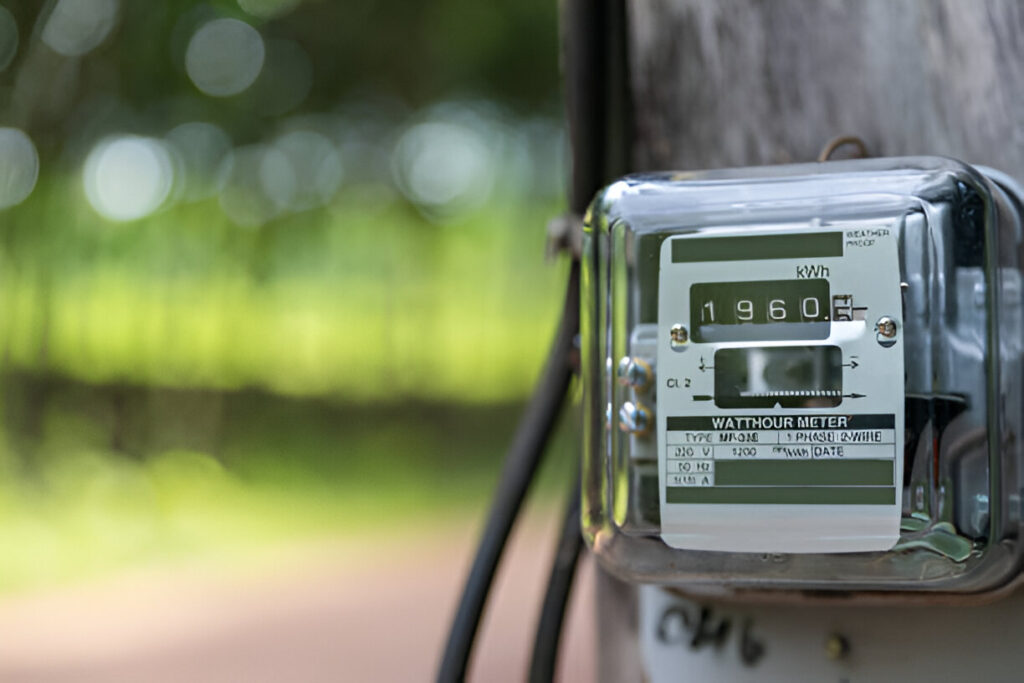
An electricity meter is the device which measures the electricity your household has consumed over time, typically measuring in kilowatt hours or kWh also known as units. Usually, the size of domestic electricity meters is around 6 inches in width, by up-to 6 inches in height and often have a digital display on the front […]
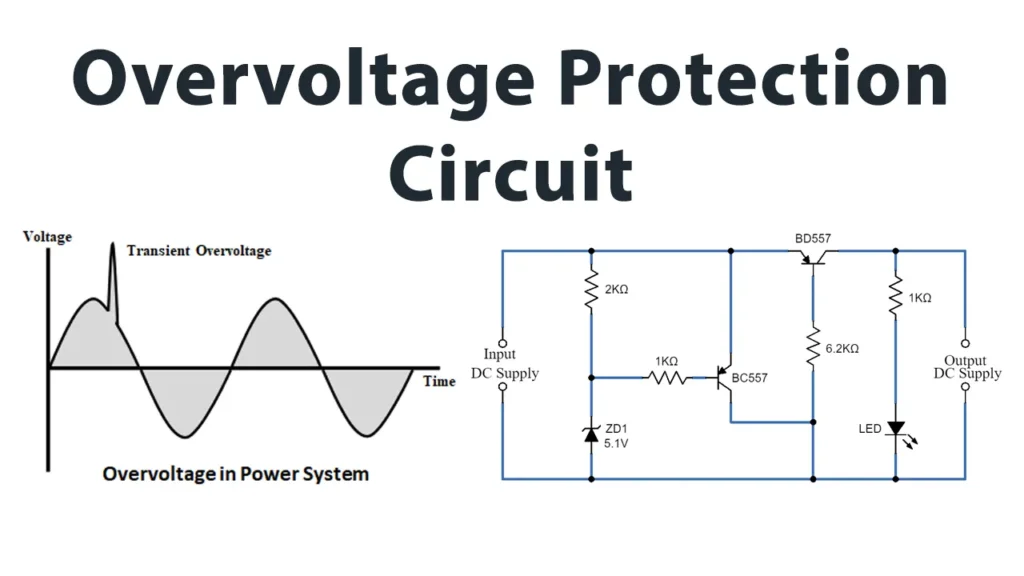
In this tutorial, we will build a Simple Overvoltage Protection Circuit designed to safeguard sensitive electronic components from voltage surges that exceed their maximum rated values. Overvoltages refer to any voltage levels that temporarily surpass the normal mains or supply voltage threshold. Overvoltage protection (OVP) is a crucial feature in many power supplies, which instantly disconnects the […]
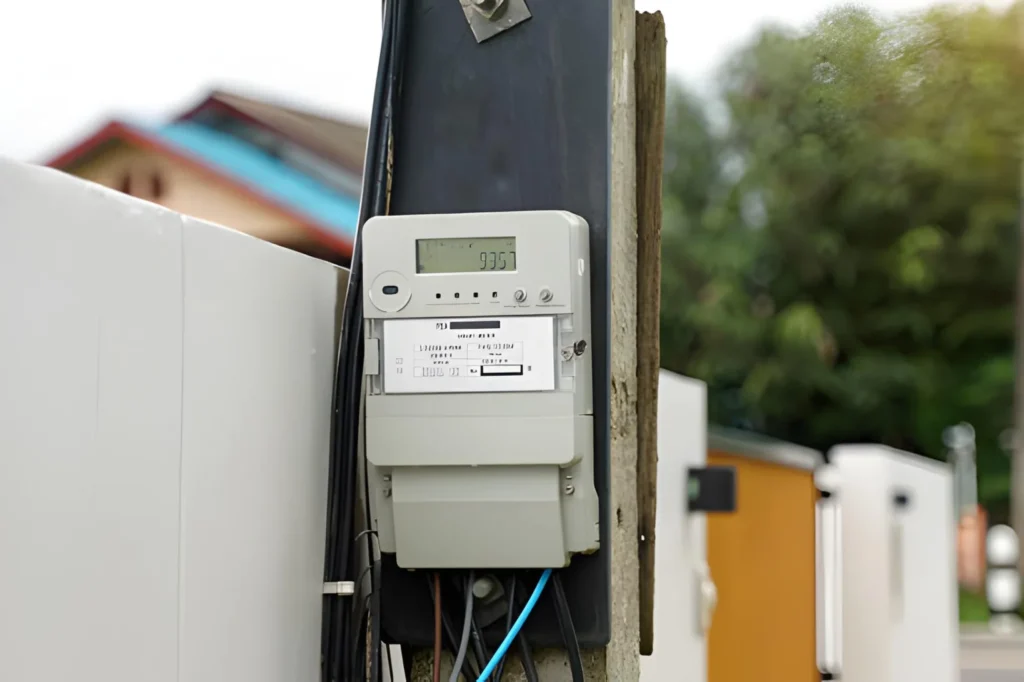
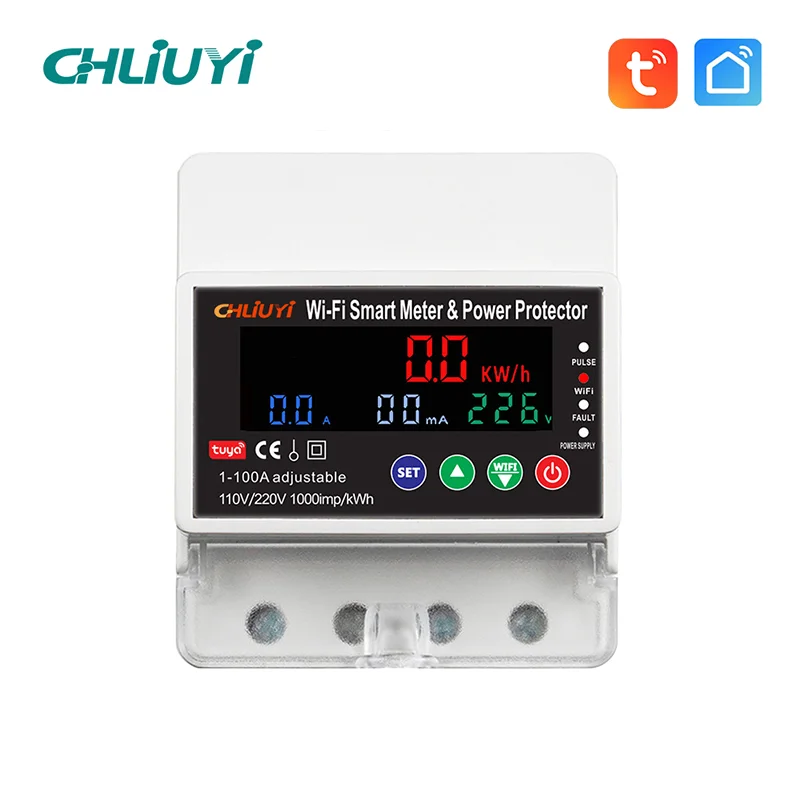
Are you searching for a practical solution to monitor and manage electricity use in your facility? Electric smart meters might be the answer. Today, we’ll explore what electric smart meters are, how they work, the types and features industrial users care about, and give you all the advice you need to make an informed purchase. […]
We use cookies to enhance your browsing experience, serve personalised ads or content, and analyse our traffic. By clicking "Accept All", you consent to our use of cookies.